
TEYES guides and news

No Audio After Firmware Upgrade Fix
Vehicles that have Auto Start-Stop), the DSP was set not to refresh the parameters when the vehicle engine is ignited (ACC ON)....

How to Change Languages
STEP 1: Go to Settings STEP 2: Select USERS and Languages STEP 3: Select Language option STEP 4: Add Language STEP...

How to Connect the T'EYES OBDII
NOTE: If you are having issues connecting do as follows: 1: Update your firmware to the latest 2: Uninstall the OBDII app...
T'EYES Radio Channel Request

How to Upgrade Your Firmware
In this guide we show you how to upgrade your T'EYES firmware step by step
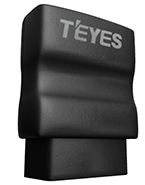
OBDII Beta App - KMPh/Miles + Fahrenheit/Celsius Support
We are in the process of testing kmph/miles + Fahrenheit/Celsius support for the OBDII due to popular requests. You can test this App...
Sygic GPS Voice Navigation Volume Issue
If you are using Sygic Navigation and the voice instructions are very quiet. If Sygic itself has no way to increase the...

Steps to Install & Preset Radar
The guide will show you how to correctly setup the teyes radar system settings
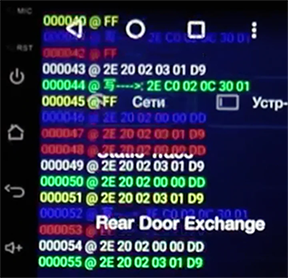
How to Enable Canbus Data Log
Go to Settings --> Factory Settings --> Enter 168 --> Original Car Agreement --> Protocol Print

CC3 3D 360 Surround View Calibration Guide

How to perform a Forced Factory Reset
This video instruction will show you how to perform a clean install of your Teyes head unit. It will wipe it clean...
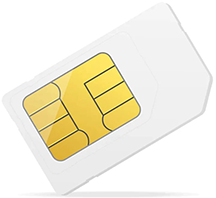
How to Fault Find SIM Cards
1) Make sure the SIM card is facing upwards and the card cutout side face is towards the left. You can also...