
Universal Android Head Unit Buying Guide
Find the right format for your dashboard
Choosing a universal Android head unit starts with the space behind the dash and the clearance in front of it. Use this guide to narrow down the mounting format, then compare TEYES models for Apple CarPlay, Android Auto and the features you’ll use.
Shop universal head units →Browse by mounting format
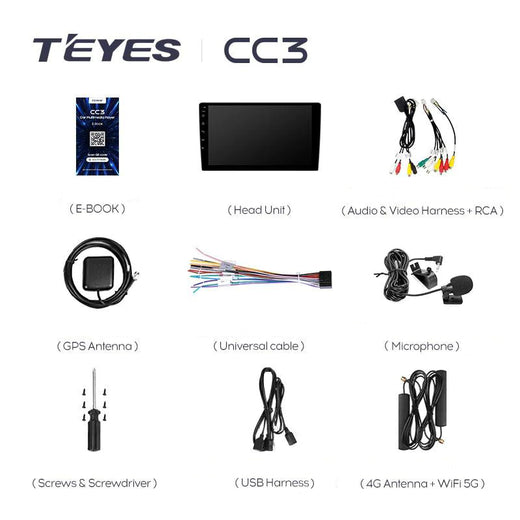
Single DIN head units
Start here if the dash has a single-DIN opening. Check rear depth and whether a larger screen will clear the vents and controls.
View product example →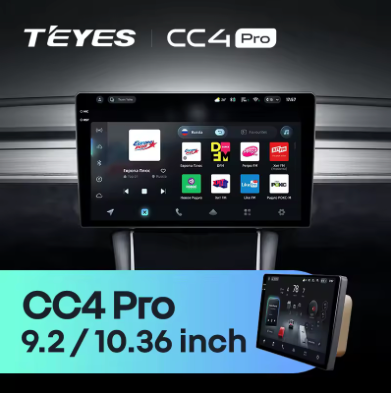
Double DIN head units
Check the opening, mounting brackets and fascia before choosing a screen size. The visible screen can be wider than the chassis.
View product example →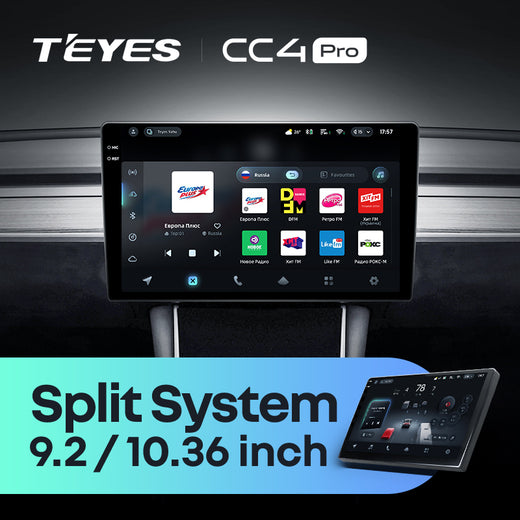
Split-system head units
The screen and main unit mount separately. Plan space for both, plus the cable route between them.
View product example →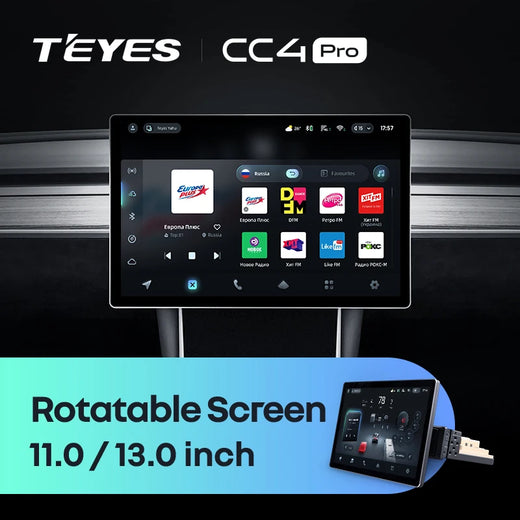
Rotatable screens
Check clearance in both orientations. Pay particular attention to the hazard switch, gear selector and climate controls.
View product example →Shop all TEYES Double DIN CarPlay head units →
What to check before ordering
- Measure the opening and depth. Check the opening behind the fascia, the mounting points and room for connectors.
- Check screen clearance. Make sure the display clears vents, controls and the gear selector.
- Identify the factory audio equipment. A factory amp, reversing camera or steering-wheel controls may need their own retention adapter. Check the product listing for included parts.
Does a universal head unit fit every car?
Fit depends on the dash, mounts and wiring. For an integrated factory radio or a factory amplifier, check for a vehicle-specific kit or send TEYES a dashboard photo and your vehicle details before ordering.
Which models support Apple CarPlay and Android Auto?
Check the exact model and variant for phone connectivity, camera inputs and audio options. The TEYES model comparison can help you decide which range to look at.